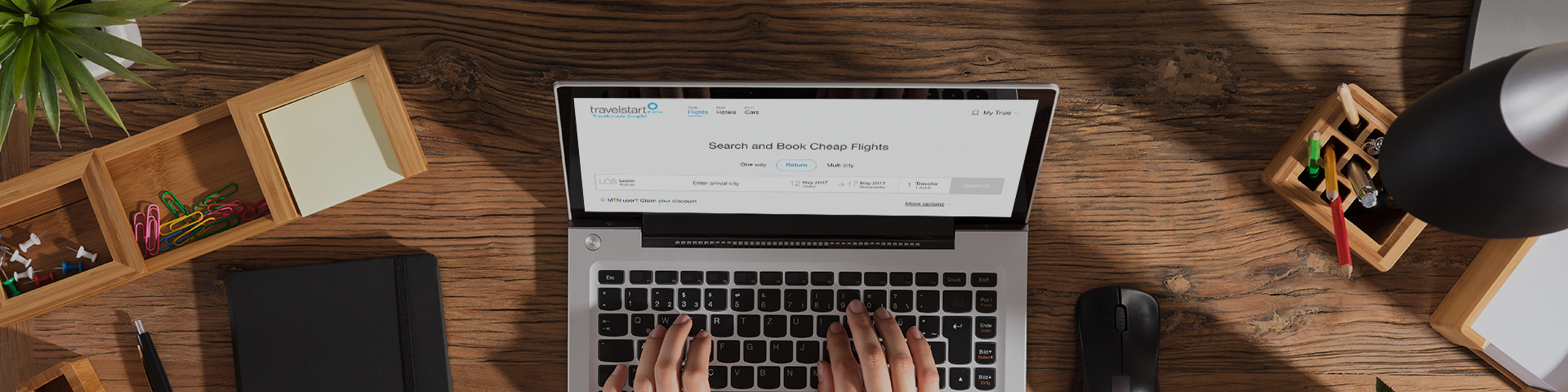
Make your next move with a one-way flight that fits your plans. Whether you’re relocating, exploring somewhere new or keeping your return date open, compare one-way flights with Travelstart, check fares and baggage options, and book your next adventure online
How to Book One-Way Flights
Select One-way in the Travelstart flight search panel.
Enter your departure city, destination and departure date. Choose the number of travellers and cabin class, then click Search Flights.
Compare available flights, check baggage allowances and fare conditions, and select your preferred option.
Enter each passenger’s details exactly as they appear on their ID or passport, including the contact details for your booking.
Choose any optional travel extras you need.
Review your flight details and total price, then select your preferred payment method and complete payment.
Check your email for your booking confirmation and e-ticket. Your e-ticket is issued after payment is processed and may take up to 24 hours to arrive.
International Flights
Need to fly abroad? Book international flights

Domestic Flights
Book one-way domestic flights
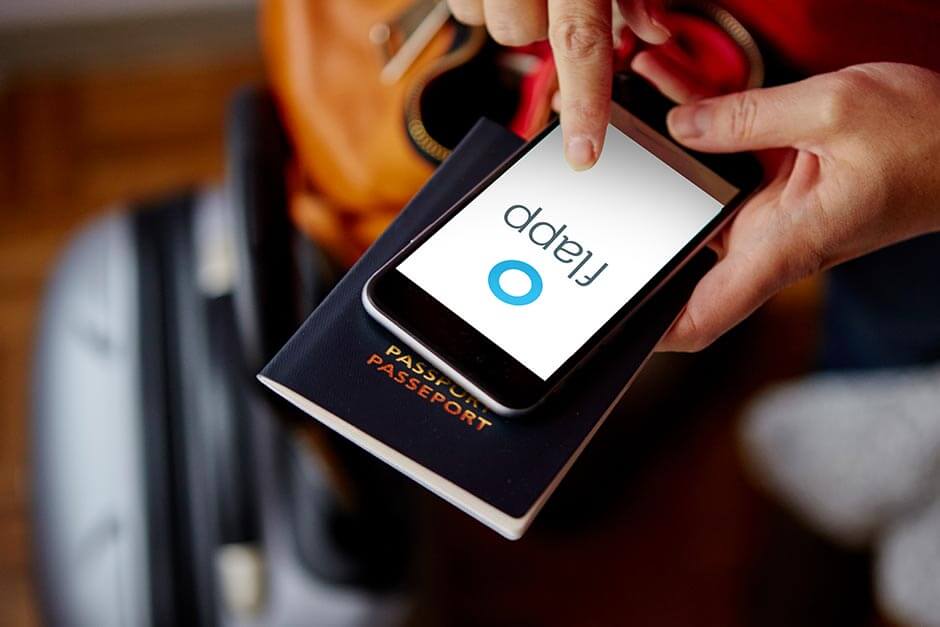
Download our app
Book flights, check in online and manage all your booking details on the go
Frequently Asked Questions
The information on this page is correct as of date of publishing. While every effort is made to keep information as fresh as possible, Travelstart takes no responsibility for any of the information being out of date or incorrectly noted.